Best SSDs UK 2026: 5 Top Picks for PC, PS5 and On the Go
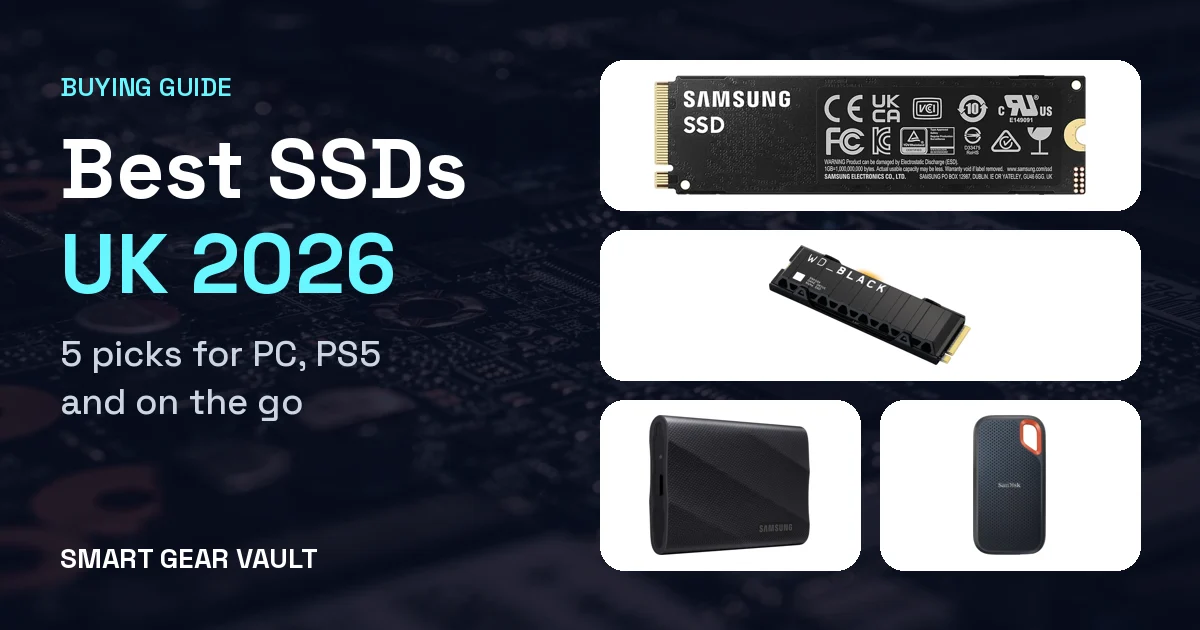
An SSD is the most noticeable upgrade you can make to a PC, laptop or PS5. Games load faster, apps open instantly and you get space for your whole library. Choosing one is confusing, though, with talk of PCIe generations, DRAM, QLC and TBW. Below are five SSDs worth buying on Amazon UK right now: three internal NVMe drives (best overall, best budget and best for PS5) and two portable drives for backups and travel.
How we chose: this is a researched buying guide, not a hands-on test. We haven't tested these drives ourselves. We compared manufacturer specifications and Amazon UK listings with independent reviews from Tom's Hardware, TechRadar, Expert Reviews and TweakTown, plus UK retailer guidance from PcPartsUK. Prices were checked on Amazon UK on 16 October 2026, when all five were in stock. SSD prices have risen sharply in 2026 because of a worldwide flash memory shortage and change daily, and several offers came from third-party sellers, so check the latest price and seller before you buy.
At a glance
| Model | Best for | Type | Read / write | Cache, flash | Endurance | Warranty | Approx. price |
|---|---|---|---|---|---|---|---|
| Samsung 990 Pro 2TB | Best overall | Internal NVMe (PCIe 4.0) | 7,450 / 6,900MB/s | DRAM, TLC | 1,200TBW | 5 yrs | ~£330 |
| WD Blue SN5100 2TB | Budget NVMe | Internal NVMe (PCIe 4.0) | 7,100 / 6,700MB/s | HMB, QLC | 900TBW | 5 yrs | ~£227 |
| WD_Black SN850X 2TB heatsink | PS5 and gaming | Internal NVMe (PCIe 4.0) | 7,300 / 6,600MB/s | DRAM, TLC | 1,200TBW | 5 yrs | ~£382 |
| Samsung T9 2TB | Portable | USB 3.2 Gen 2x2 | 2,000 / 2,000MB/s | n/a | n/a | 5 yrs | ~£360 |
| SanDisk Extreme 2TB | Value portable | USB 3.2 Gen 2 | 1,050 / 1,000MB/s | n/a | n/a | 5 yrs | ~£200 |
1. Best internal SSD overall
Samsung 990 Pro 2TB
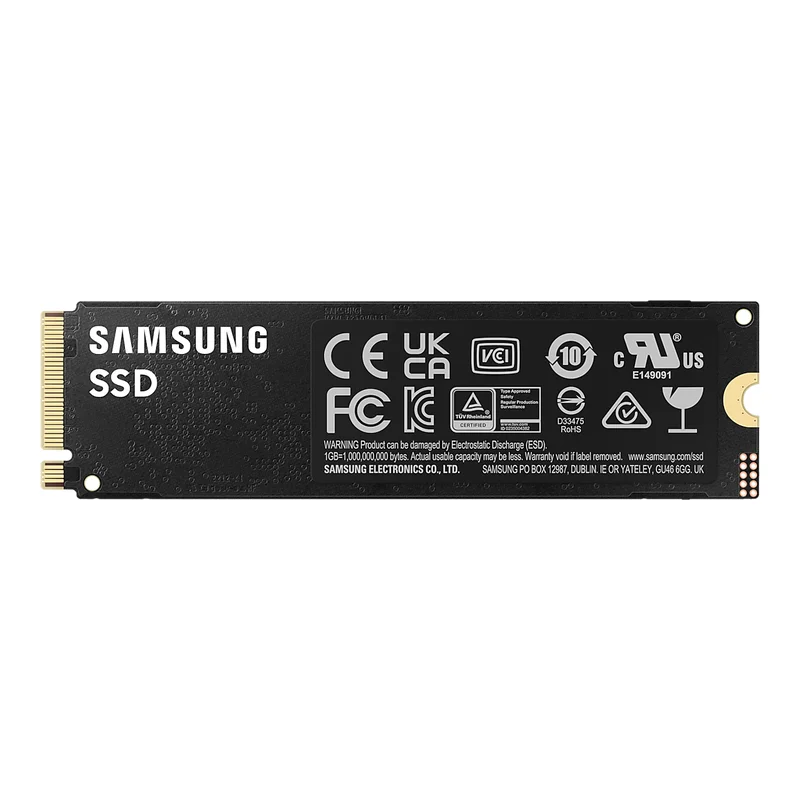
Price: £329.94 on Amazon UK when we checked (16 October 2026), sold by a third-party seller and dispatched by Amazon. The listed RRP is £502.79.
The 990 Pro has been the default high-end PCIe 4.0 drive for a few years, and it still is. Tom's Hardware names it the best SSD overall and best M.2 SSD in its October 2026 roundup, and UK retailer PcPartsUK calls it the safest all-round 2TB choice. It pairs Samsung's own controller with TLC V-NAND and a DRAM cache, so it stays quick even when it's busy. It's an excellent boot drive for a gaming PC or workstation. There's also a heatsink version for PS5, which costs more.
Key specs
- Interface: PCIe 4.0 x4 NVMe 2.0, M.2 2280
- Speeds: up to 7,450MB/s read and 6,900MB/s write (Samsung)
- Flash and cache: TLC V-NAND with an LPDDR4 DRAM cache
- Endurance: 1,200TBW for the 2TB model
- Warranty: 5 years (limited)
- PS5: only with a heatsink. Buy the heatsink version (MZ-V9P2T0CW) or add your own
Pros
- Among the fastest PCIe 4.0 drives
- DRAM cache keeps speeds steady under load
- High 1,200TBW endurance
- Samsung Magician software for updates
Cons
- Pricey in 2026
- No heatsink on the standard version
- Gen 4 only, so not the fastest on a Gen 5 board
Best for: A new gaming PC or a main boot drive where you want speed and reliability.
Watch out for: Prices have jumped this year, and the Amazon offer was from a third-party seller when we checked.
2. Best budget NVMe
WD Blue SN5100 2TB
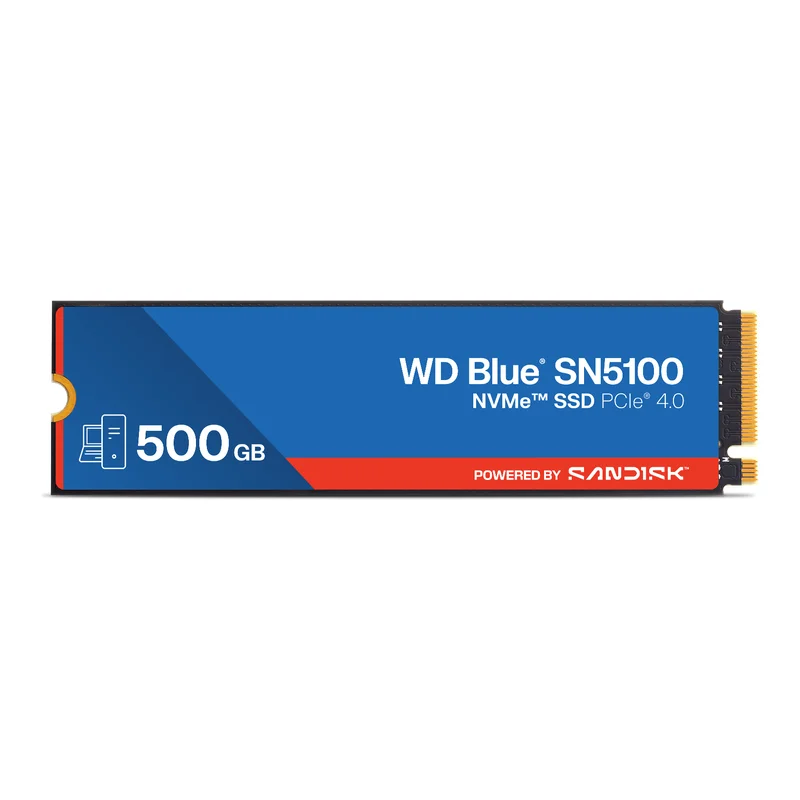
Price: £226.69 on Amazon UK when we checked (16 October 2026), with only a few left in stock.
Sandisk's WD Blue SN5100 is the cheapest way to get near-flagship speed. Tom's Hardware calls it the best QLC SSD it has tested, and TweakTown rates it among the fastest PCIe 4.0 drives it has tested. It skips a DRAM cache and uses cheaper QLC flash, but in everyday use and gaming that hardly matters. The trade-off is sustained writes: after a very large copy, around several hundred gigabytes, speeds fall to about 400MB/s.
Key specs
- Interface: PCIe 4.0 x4 NVMe, M.2 2280, single-sided (good for laptops)
- Speeds: up to 7,100MB/s read and 6,700MB/s write (Sandisk, 2TB)
- Flash and cache: QLC flash, DRAM-less with nCache 4.0 and HMB
- Endurance: 900TBW for the 2TB model
- Warranty: 5 years (limited)
Pros
- Flagship-like speed for less
- Generous 900TBW endurance for a QLC drive
- Single-sided and power efficient, so good for laptops
- 5-year warranty
Cons
- Write speed drops sharply on very large transfers
- No DRAM cache
- No heatsink, so you need one for PS5
Best for: Budget PC builds, laptop upgrades and a second games drive.
Watch out for: It's not ideal for heavy video editing or copying huge files regularly.
3. Best for PS5 and gaming
WD_Black SN850X 2TB with heatsink
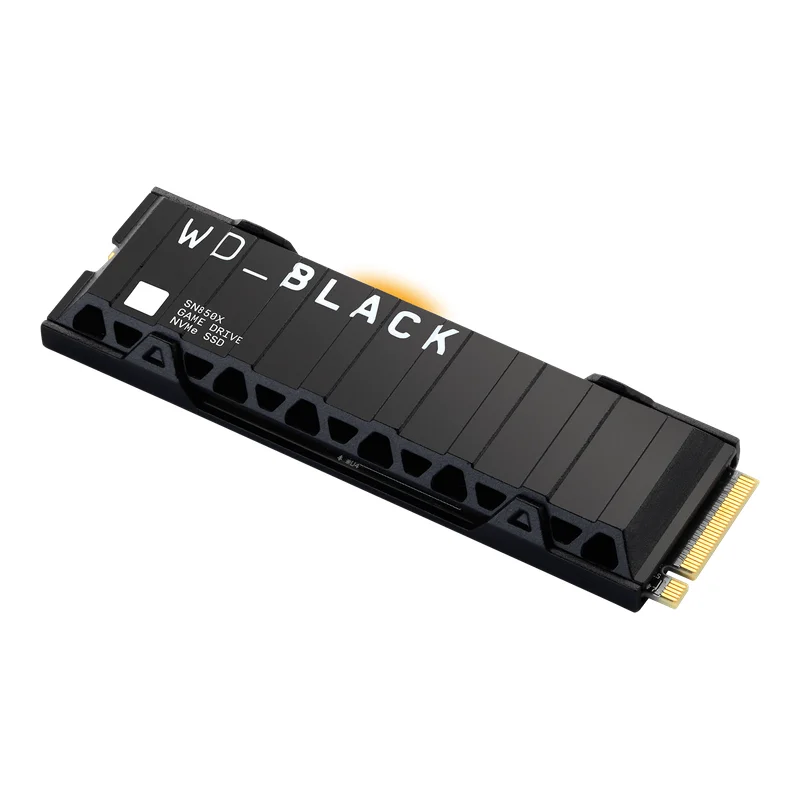
Price: £382.00 on Amazon UK when we checked (16 October 2026), sold and sent by a third-party seller (MaestroNow), with only one left. Prices for this drive vary a lot, so it's worth checking again.
The SN850X is Tom's Hardware's pick for the best SSD for PS5, and PcPartsUK calls it the most recommended gaming SSD of this generation. The heatsink version slots into the PS5's expansion bay with no extra parts. On a PC it trades blows with the 990 Pro, with a DRAM cache, TLC flash and WD's Game Mode 2.0. As the PS5 caps out at PCIe 4.0 speeds, a Gen 5 drive would be wasted money.
Key specs
- Interface: PCIe 4.0 x4 NVMe, M.2 2280
- Speeds: up to 7,300MB/s read and 6,600MB/s write (Sandisk)
- Flash and cache: TLC flash with a DRAM cache
- Endurance: 1,200TBW for the 2TB model
- Warranty: 5 years (limited)
- PS5: yes, the heatsink version fits the expansion slot
Pros
- Ready for PS5 with its own heatsink
- Top PCIe 4.0 gaming performance
- DRAM cache and high endurance
- Also great in a gaming PC
Cons
- Expensive right now
- Amazon stock was limited when we checked
- Heatsink may clash with motherboard covers on some PCs
Best for: Adding 2TB of fast storage to a PS5, or a gaming PC.
Watch out for: If you're using it in a PC with its own M.2 heatsink, the cheaper non-heatsink version is fine.
4. Best portable SSD
Samsung T9 Portable SSD 2TB
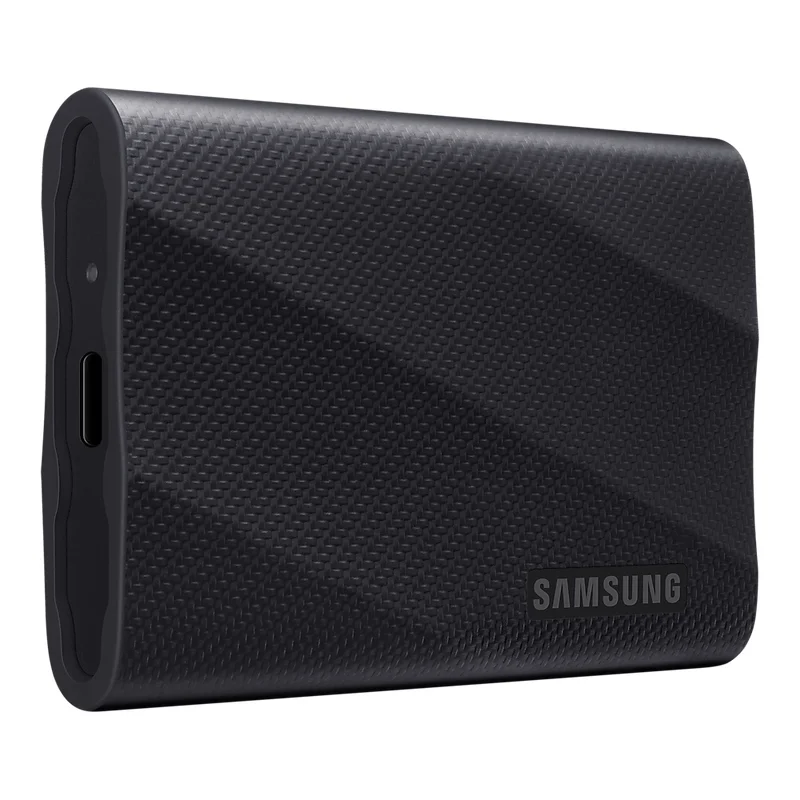
Price: £360.00 on Amazon UK when we checked (16 October 2026), sold by a third-party seller and dispatched by Amazon.
Expert Reviews names the Samsung T9 the best all-round external SSD. It uses USB 3.2 Gen 2x2 to hit up to 2,000MB/s, about twice as fast as most portable drives, as long as your computer has a 20Gbps port. It still works on ordinary USB-C and USB-A ports at lower speeds, and comes with both cables. It's small, weighs 122g and can survive drops of up to 3 metres.
Key specs
- Connection: USB 3.2 Gen 2x2 (20Gbps), USB-C, with C-to-C and C-to-A cables
- Speeds: up to 2,000MB/s read and write on a Gen 2x2 port (Samsung)
- Toughness: drop-tested to 3 metres, rubberised grip
- Size and weight: 88 × 60 × 14mm, about 122g
- Warranty: 5 years (limited)
Pros
- Up to twice as fast as typical portable SSDs
- Works with PC, Mac, iPhone 15 and later, Android and consoles
- Tough and compact
- 5-year warranty
Cons
- Many laptops, and all Macs, lack 20Gbps ports, so they run it at about 1,000MB/s
- Costly per terabyte
- No water resistance rating
Best for: Video editors, photographers and anyone moving big files between computers.
Watch out for: Check your computer has a USB 3.2 Gen 2x2 port, or you won't see its full speed.
5. Best value portable SSD
SanDisk Extreme Portable SSD 2TB
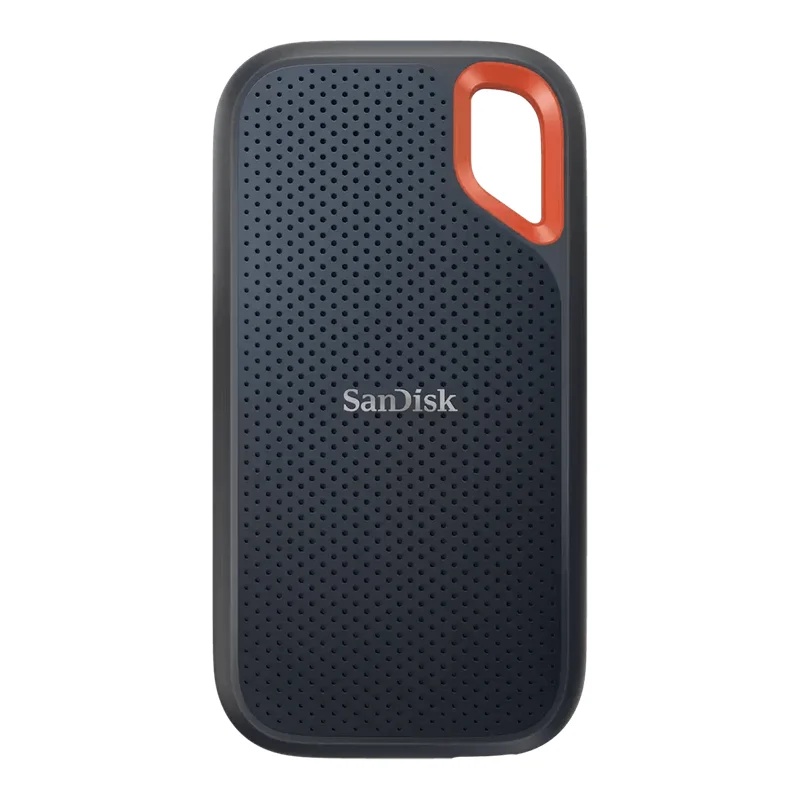
Price: £199.99 on Amazon UK when we checked (16 October 2026), sold by a third-party seller and fulfilled by Amazon. The listing is marked "Older Model" because a newer version exists, but this is still the current-spec drive with IP65 protection.
The SanDisk Extreme is the rugged all-rounder most people should start with. TechRadar gave it 4.5 stars and calls it one of the best external SSDs on the market, rugged or not. It runs at about 1,000MB/s, which is the most a standard 10Gbps USB port allows, and it's IP65 dust and water resistant with drop protection up to 3 metres. The carabiner loop makes it easy to clip to a bag. It also has the lowest price per terabyte of our five picks.
Key specs
- Connection: USB 3.2 Gen 2 (10Gbps), USB-C, with a USB-C to USB-A adapter
- Speeds: up to 1,050MB/s read and 1,000MB/s write (SanDisk)
- Toughness: IP65 dust and water resistance, drops up to 3 metres
- Security: password protection with 256-bit AES hardware encryption
- Warranty: 5 years (limited)
Pros
- Best value of our picks per terabyte
- IP65 and 3m drop protection
- Carabiner loop and pocket size
- Hardware encryption and 5-year warranty
Cons
- Half the speed of the T9 on fast ports
- Earlier versions had firmware problems (since fixed), so update it
- Amazon seller was a third party when we checked
Best for: Backups, travel, and extra storage for laptops and consoles.
Watch out for: Run SanDisk Dashboard once to check for firmware updates.
How to choose an SSD
NVMe, SATA or portable? If your PC or laptop has an M.2 slot, buy an NVMe SSD. They're many times faster than SATA drives and cost about the same. 2.5-inch SATA SSDs (around 550MB/s) only make sense for older machines without M.2, and they're still a huge step up from a hard drive. Portable SSDs plug in over USB and are ideal for backups, moving files and adding storage to a laptop, console or iPhone.
PCIe 4.0 or 5.0? PCIe 4.0 drives reach about 7,000MB/s and are the sweet spot for gaming and everyday use. PCIe 5.0 drives can hit 14,000MB/s or more, but they cost more, run hotter and need a Gen 5 M.2 slot. In games you'll barely notice the difference. Any PCIe 4.0 drive will also work in a Gen 3 slot, just at Gen 3 speeds.
Pick the right capacity. 1TB is enough for a work laptop, but 2TB is the sensible minimum for gaming, as many big games now take over 100GB each. Compare price per terabyte, as larger drives are often better value.
Upgrading a PS5? Sony asks for a PCIe 4.0 M.2 NVMe drive, ideally rated at 5,500MB/s or faster, in a 2230 to 22110 size, with a heatsink or cooling plate. The drive and heatsink together must be no more than 11.25mm thick. The easiest route is a drive sold with a slim heatsink, such as the WD_Black SN850X heatsink edition or the Samsung 990 Pro heatsink edition.
DRAM or HMB? A DRAM cache keeps speeds consistent during long, heavy workloads. DRAM-less drives use Host Memory Buffer (HMB) to borrow a little of your system's memory and are nearly as fast for gaming and everyday tasks. Heavy video editors should favour DRAM and TLC flash. QLC flash is cheaper, but slows down during very large file copies.
Check warranty and TBW. All five of our picks come with 5-year warranties. TBW (terabytes written) is the endurance figure behind the warranty. Around 600TBW per terabyte of capacity is excellent, and most home users never get close.
For portable drives, check your ports. A 1,000MB/s drive needs a USB 3.2 Gen 2 (10Gbps) port to run at full speed, and a 2,000MB/s drive needs USB 3.2 Gen 2x2 (20Gbps). Macs don't support Gen 2x2, so they run those drives at about 1,000MB/s.
FAQs
What is the best SSD in the UK in 2026?
For most PC upgrades we'd shortlist the Samsung 990 Pro 2TB. Tom's Hardware rates it the best SSD overall, it has a DRAM cache, a 1,200TB write rating and a 5-year warranty. If you want to spend less, the WD Blue SN5100 2TB is Tom's Hardware's favourite QLC drive and is fast enough for gaming.
Which SSD is best for PS5?
Choose a PCIe 4.0 M.2 2280 NVMe drive with a heatsink. The WD_Black SN850X with heatsink is Tom's Hardware's pick for PS5. Sony recommends read speeds of 5,500MB/s or faster, and the PS5 needs a heatsink or cooling plate fitted to the drive.
Is PCIe 5.0 worth it?
For most people, not yet. PCIe 5.0 drives can roughly double sequential speeds, but they cost more, run hotter and make little difference to game loading. They only help if your motherboard has a Gen 5 M.2 slot and you regularly move very large files, such as 4K or 8K video. The PS5 is limited to PCIe 4.0 speeds.
What's the difference between NVMe, SATA and portable SSDs?
NVMe SSDs plug straight into an M.2 slot and run at up to about 7,000MB/s on PCIe 4.0. SATA SSDs, usually 2.5-inch, top out around 550MB/s but suit older PCs and laptops without M.2. Portable SSDs connect over USB and run at about 1,000MB/s on USB 3.2 Gen 2 or 2,000MB/s on USB 3.2 Gen 2x2.
Do I need an SSD with DRAM?
Not necessarily. DRAM helps keep speeds steady under heavy, sustained workloads. Modern DRAM-less drives use Host Memory Buffer (HMB), borrowing a little system memory, and are very close for everyday use and gaming. If you edit lots of video or copy huge files, a drive with DRAM and TLC flash, such as the 990 Pro, is the safer choice.
What capacity SSD should I buy?
2TB is the sweet spot for gaming PCs and PS5, because many big games now take 100GB or more. 1TB is fine for a laptop or office PC. Prices rose sharply through 2026 due to a shortage of flash memory, so compare price per terabyte before you buy.
What does TBW mean on an SSD?
TBW (terabytes written) is how much data the maker guarantees you can write before the warranty ends. A 2TB drive rated at 1,200TBW could take over 600GB of writes every day for five years, far more than most home users ever manage.
More smart gear
Shooting ProRes video on an iPhone or editing on an iPad? A portable SSD like the Samsung T9 or SanDisk Extreme makes a great companion. See our iPhone 17 review and iPad Pro M5 review. Buying for a gamer? SSDs also feature in our Christmas gift guide 2026. Only need to move a few files? See our best USB flash drives under £50.
Sources: manufacturer specifications from Samsung (samsung.com/uk), Sandisk/WD (sandisk.com and the WD Blue SN5100 datasheet), plus the drives' Amazon UK listings. Independent reviews: Tom's Hardware's Best SSDs 2026 (updated 9 October 2026) and its WD Blue SN5100 2TB review, TechRadar's best SSDs 2026 guide and its SanDisk Extreme Portable SSD review, Expert Reviews' best external hard drives and SSDs guide, TweakTown's WD Blue SN5100 2TB review, and PcPartsUK's best 2TB NVMe SSDs UK 2026 guide. We also used Sony's PS5 M.2 SSD requirements. Product images are official images from Samsung and Sandisk. We have not tested these SSDs ourselves.